

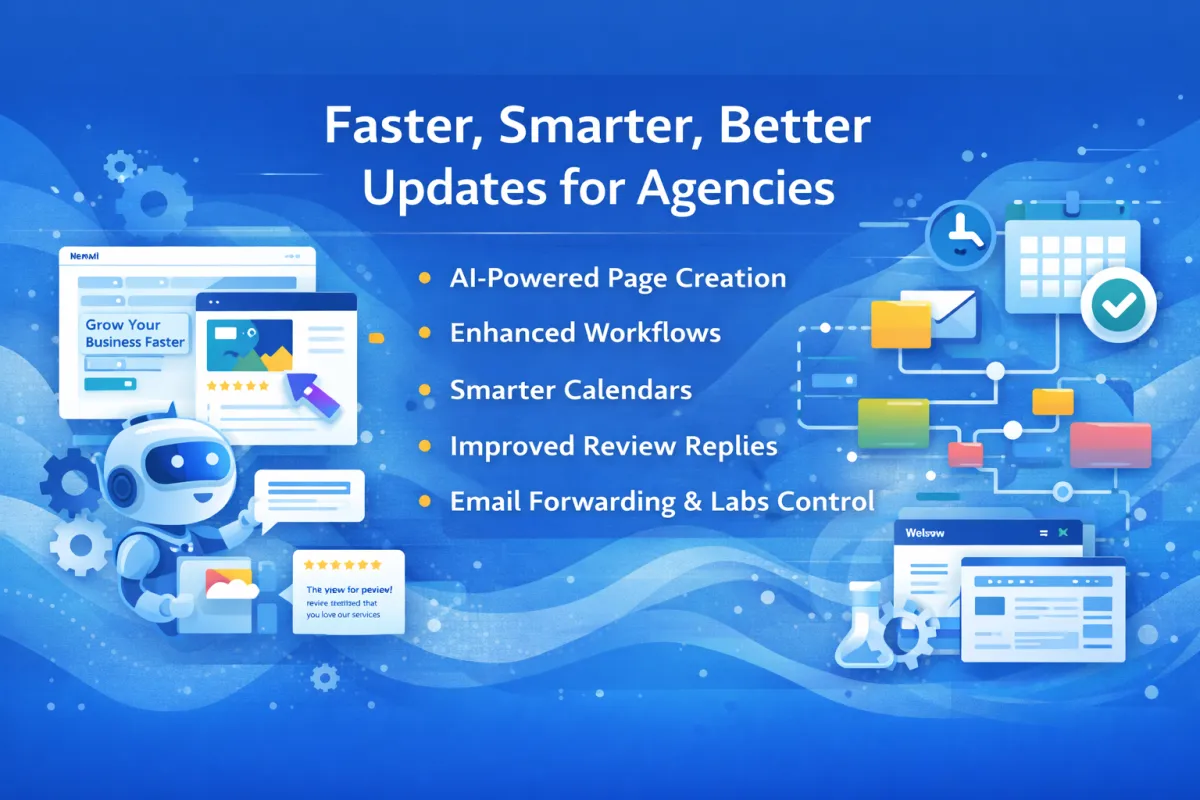
GeauxIQ Updates Week of January 9th
GeauxIQ Weekly Releases — More Power, More Control, Better Performance
This week’s GeauxIQ updates delivered meaningful improvements across AI, workflows, messaging, calendars, communities, and SaaS operations—with a strong emphasis on usability, control, and performance.
While some updates were highly visible, others quietly improved reliability and speed behind the scenes. Together, they make the platform faster, smarter, and easier to manage for agencies and growing businesses.
Here’s a breakdown of what’s new and why it matters.
📁 Media Library: Expanded File & Browser Support
The Media Library now supports additional formats, including:
JSON and CSS files
Apple HEIC image format
Broader browser compatibility
Why it matters:
Teams can manage more asset types in one place without workarounds or format conversions.
🧠 Funnel & Website AI: Smarter Page Creation
AI-powered page creation received several enhancements:
Better layout and design logic
Improved SEO optimization
Faster generation
More polished, professional designs
Why it matters:
You can launch better-looking pages faster—with less manual tweaking and less time spent sourcing images or layouts.
🎓 Online Courses: Clone Individual Content
You can now duplicate individual lessons or content blocks inside a course—without cloning the entire course.
Why it matters:
Course creators save time and reduce friction when reusing or restructuring content.
🏷️ SaaS Products: Clearer Product Labels
SaaS products now display clearer labels to distinguish between legacy and newer versions.
Why it matters:
This improves clarity for long-time users managing multiple product generations—without affecting pricing or functionality.
⭐ Reputation Management: Drip Mode for Review Replies
Reviews AI now supports drip mode, allowing replies to be sent gradually instead of all at once.
Why it matters:
Replies look more natural, reduce spam-like behavior, and help businesses maintain consistent engagement with reviews—past and present.
📅 Calendars: Multiple Quality-of-Life Improvements
Several calendar updates shipped this week:
Set hours across multiple date-specific ranges at once
Sync phone numbers from Calendly appointments
Support custom values in templates and notifications
Why it matters:
Calendar configuration is faster, more flexible, and better aligned with real-world scheduling needs.
📊 Site Analytics: Average Time on Page
Site Analytics now includes average time on page, a key engagement metric.
Why it matters:
This helps businesses understand how visitors interact with their content—not just whether they clicked.
💬 Chat Widget: Customizable Contact Form Messaging
You can now customize the message shown before a chat contact form appears.
Why it matters:
This creates a more branded, intentional experience when collecting visitor information.
📄 Documents & Contracts: Assign Fields via Workflows
Fillable contract fields can now be dynamically assigned based on the user associated with a workflow.
Why it matters:
Sales documents automatically reflect the correct rep—without manual setup or duplicate templates.
👥 Communities: Custom Navigation Visibility
Community admins can now toggle which navigation tabs appear.
Why it matters:
Communities can be tailored to their purpose—removing unused features for a cleaner experience.
🎙️ WhatsApp: Native Outbound Voice Notes
Outbound WhatsApp voice messages now send as native voice notes, not downloadable audio files.
Why it matters:
Messages feel more natural and familiar to recipients, improving engagement.
⚙️ Workflows: Enhanced AI Actions & Builder Controls
Workflow improvements include:
More powerful AI actions (translation, summarization, intent detection, decision routing)
Default builder selection (standard or advanced)
User-level control over builder access
Why it matters:
Workflows are easier to manage for teams while becoming significantly more intelligent and flexible.
📧 Conversations: Email Forwarding
Email forwarding is now supported directly within Conversations.
Why it matters:
Teams can route communication where it’s needed without leaving the platform.
🧑💻 Developer & Backend Enhancements
Additional updates include:
Signed URL file upload API
Increased web crawler limits
Expanded internationalization support
Performance and speed improvements across the platform
Why it matters:
These updates improve scalability, reliability, and global readiness—often without users needing to do anything at all.
🔮 Coming Soon
Drag-and-Drop Actions (Standard Workflow Builder)
A more visual workflow-building experience is on the way—without abandoning the standard builder.
Follow-Up Email Sequences
A simplified way to create email-only sequences for users who prefer a lighter setup than full workflows.
🚀 Need Help Applying These Updates?
Many of these improvements unlock the most value when paired with the right workflows, automations, and client strategies.
If you’d like help understanding or implementing what’s new:
👉 Schedule a quick strategy session with our team
Written by Brandon Foreman
Geaux Grow | Family Resource Group Inc.
Powered by GeauxIQ


